

|
You may have an original URL of an article by using "Get URL"
function.
Right click on the selected node. Muti-selection is
allowable. In the context menu, select "Advanced -> Get URL" and
then a dialog for article URL is displayed.
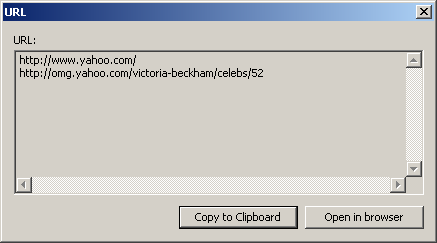 Click "Copy to Clipboard" to copy the URL(s) of the node(s) to the
clipboard.
Click "Open in brower" to open the corresponding URL(s) directly in the
brower.
|
|
|
|



